
TL;DR

Get kitchen gear delivered free with Prime
- Fast, free delivery on millions of items
- Prime Video, Amazon Music and more included
- Member-only deals all year
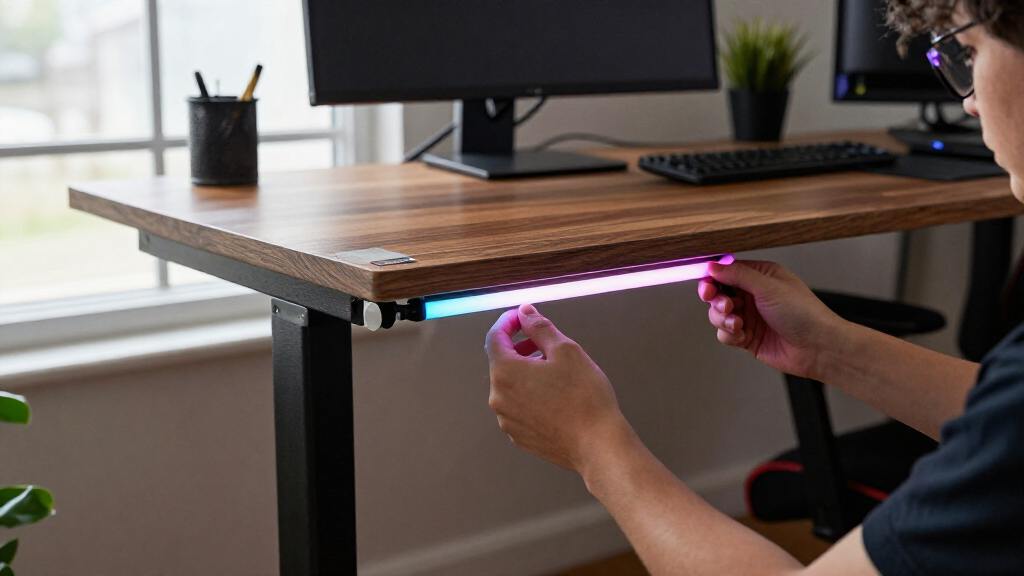
Matter Alpha published a DIY guide to adding a Govee COB light strip to IKEA’s YXSTABY gaming side table, using small 3D-printed mounts placed in existing screw holes. The setup avoids drilling and permanent changes, and the strip can be paired with a Matter-compatible smart-home platform for basic controls.
The guide’s author says the table’s enclosed storage area can be dark and describes adding a circular light strip inside it for ambient illumination. The reported setup uses the Govee COB Strip Light 2 Pro, a 3D printer and small fixtures printed in PETG or PLA. The fixtures hold the strip at upper and lower mounting points already present in the table, rather than relying on the strip’s adhesive backing or adding screws.
The author says the fixture files are available on MakerWorld and that the design calls for four upper and four lower pieces. The report describes printing them with supports, then pressing them into the table’s existing holes. It says PETG was used for the author’s installation; PLA may also work, though the fit can vary. The table can be assembled first, but the guide says fitting the lights is easier before installing the bottom panel and feet.
After securing the strip around the fixtures, the author routes its power cable through the opening in the bottom panel and out the back of the table. The guide instructs users to disconnect power before trimming the strip and to cut only at its marked points. It then describes pairing the light with a platform such as Apple Home, Home Assistant or SmartThings. According to the report, Matter exposes basic controls such as power, brightness and color; more advanced effects remain available in the Govee Home app. The app’s length calibration is also needed after trimming, the author says.
Lighting Without Altering the Table
The project offers a way to add smart lighting to an enclosed storage space without drilling into IKEA furniture or making permanent changes. That may appeal to owners who want to customize a gaming setup but want to keep the table intact or preserve the option of removing the installation later.
It also illustrates a practical distinction between Matter integration and a device maker’s own app. The report says the light can join a Matter-compatible home for everyday controls, while the Govee app retains more detailed effects and animation settings. Buyers considering a similar project should not assume that every feature available in a manufacturer’s app will also appear in Matter.
Products Worth Considering

Breville Smart Grinder Pro Conical Burr Coffee Grinder, Brushed Stainless Steel

Instant Pot Pro 8-Quart 10-in-1 Electric Pressure Cooker, Black

Ninja PossibleCooker PRO 8-in-1 Multi-Cooker, 8.5 qt, Sea Salt Gray (MC1001)
As an affiliate, we earn on qualifying purchases.
How the Mounting Method Works
IKEA’s YXSTABY collection was developed with Xbox, according to the supplied report. The article focuses on the gaming side table, whose sliding panel and enclosed storage shape how the strip has to be installed. The fixtures use holes identified in IKEA’s assembly guide, so the method depends on the table’s existing mounting points rather than a new attachment surface.
The guide describes COB lighting as producing a more continuous-looking glow than conventional strips, with fewer visible individual LEDs. It also notes that the strip is relatively thick and elastic, which makes tight bends difficult and its adhesive less suitable for some table surfaces. The printed fixtures are presented as a way to support the strip around the table’s interior while avoiding sharp bends.
Limits and Compatibility Details
The supplied report documents the author’s installation, but does not provide independent testing of the fixtures, their long-term durability or how well the fit holds across different printers and materials. It says PLA may work but that fit can vary. The source also does not provide a complete account of which Matter functions are supported on every listed smart-home platform, or whether software updates could change those functions.
The project requires access to a 3D printer and the specified type of light strip; the report does not establish that other strips will fit the fixtures or behave the same way. It also does not give a publication date in the supplied material. The finished setup’s lighting effects and brightness in different table configurations are not independently assessed.
Pairing and Adjusting the Strip
After installation, users can add the light to a Matter-compatible platform and adjust the basic controls available there. The report recommends opening the Govee Home app afterward to recalibrate the strip length to account for the portion removed during fitting. Users seeking animated or multicolor effects beyond the Matter controls can configure those in the Govee app, according to the guide.
The source does not announce a follow-up test or a broader IKEA or Govee product update. For anyone attempting the setup, the immediate next steps are to check the MakerWorld fixture files, confirm the light strip and smart-home platform meet their needs, and follow the strip’s marked cut points and the table’s assembly instructions.
Key Questions
Does this installation require drilling into the YXSTABY table?
No drilling is described. The printed fixtures fit into existing screw holes, and the author says the method makes no permanent changes to the furniture.
Which light strip does the guide use?
The report uses the Govee COB Strip Light 2 Pro. It does not confirm that other models will fit the printed fixtures or support the same setup.
What does Matter control in this setup?
According to the guide, Matter provides basic controls including power, brightness and color. More advanced lighting effects and animations are handled in the Govee Home app.
Does the project require a 3D printer?
Yes. The method uses printed upper and lower fixtures, with four of each required according to the report. The author used PETG and says PLA may also work, though fit can vary.
What should users do after trimming the light strip?
The guide says to disconnect power and cut only at the strip’s marked points. After installation, it recommends recalibrating the strip length in the Govee Home app so lighting effects match the remaining strip.
Source: matteralpha.com