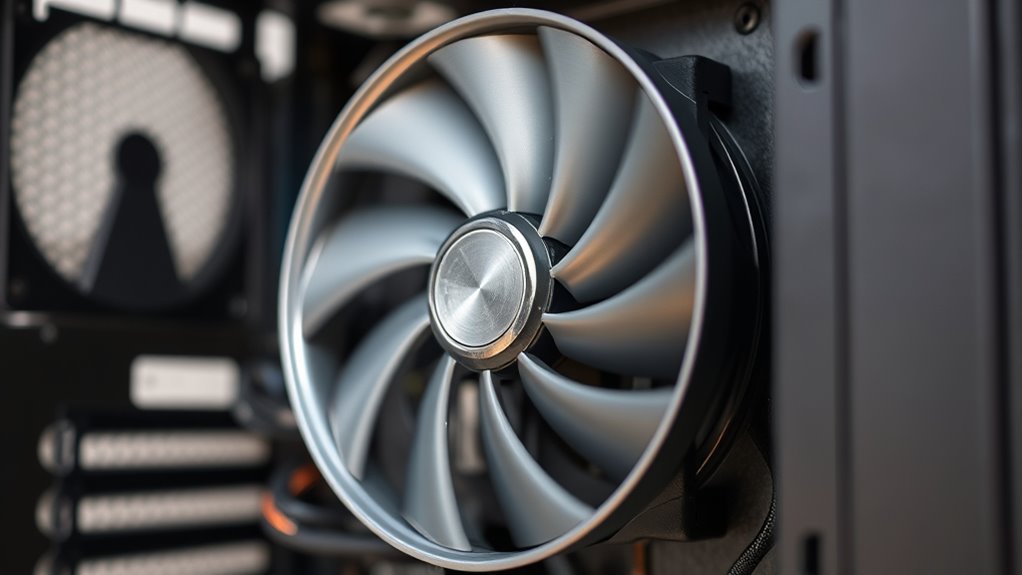

If your fan is making loud noises or rattling, start by checking for ventilation issues that force the fan to work harder. Inspect for debris buildup on blades or inside the motor, as dust and dirt can cause vibrations. Tighten any loose screws or mounts, and examine the blades for damage or imbalance. Worn bearings might also be the culprit, so look for grinding sounds. Staying aware of these factors can help maintain quiet, efficient operation.
Key Takeaways
- Check for ventilation issues causing increased fan strain and noise.
- Inspect and remove debris from blades and motor housing to prevent imbalance and rattles.
- Tighten loose screws and mounts to eliminate vibrations and rattling sounds.
- Examine bearings for wear or damage; lubricate or replace if necessary.
- Maintain regular cleaning and inspections to prevent noise caused by aging parts.
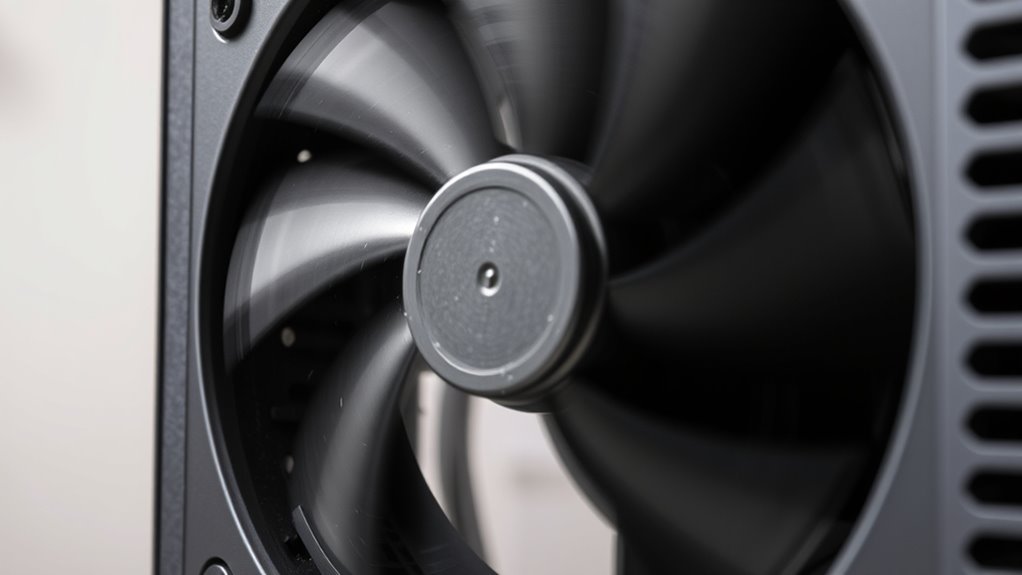
Ever wonder why your fan suddenly starts making loud noises or rattles? One common cause could be ventilation issues, which lead to improper airflow and increased strain on the fan motor. When ventilation isn’t adequate, the fan has to work harder to circulate air, causing it to produce more noise. Over time, this added effort can cause components to loosen or wear out, resulting in rattling sounds. To address this, check that your vents and filters are clean and unobstructed. Poor ventilation can trap dust and debris, making the fan work inefficiently and increasing the chances of noise problems.
Another frequent culprit behind loud fan noises is debris buildup. Dust, dirt, or small objects can accumulate on the blades or inside the motor housing. When debris sticks to the blades, it disturbs the smooth rotation, creating vibrations and rattling sounds. Similarly, debris inside the motor can interfere with its moving parts, causing it to work harder and produce noise. Regularly inspecting and cleaning your fan can prevent this buildup. Use a soft cloth or compressed air to remove dust from blades and vents, ensuring nothing hampers the fan’s operation.
Debris buildup on blades and inside the motor causes vibrations and noise. Regular cleaning prevents this.
Loose parts are also worth checking. Over time, screws and mounting brackets can loosen due to vibrations. Rattles and loud noises often stem from these loose components vibrating against each other. Tighten any loose screws or bolts you find. Pay special attention to the fan blades, motor housing, and mounting points. If a blade is bent or damaged, it can cause imbalance, leading to rattling sounds whenever the fan spins. Replacing or balancing blades can restore smooth operation and reduce noise.
Worn-out or damaged bearings are another factor to consider. Bearings allow the fan blades to spin smoothly, but if they wear out or become contaminated with debris, the fan will produce grinding or rattling noises. In this case, lubrication might help if the bearings are merely dry, but often, replacing the bearings is necessary to eliminate persistent noise. Recognizing signs of bearing wear early can prevent more severe damage to the motor.
Lastly, think about the age of your fan. Over time, parts naturally degrade, and the cumulative effect of minor issues can lead to loud, rattling operation. If cleaning, tightening, and addressing debris don’t solve the problem, it might be time to replace the fan altogether. Ignoring persistent noise can lead to further damage or even motor failure, so taking proactive steps ensures both quiet operation and longevity of your appliance. Regular maintenance and awareness of industry trends can help in making informed decisions about repairs or replacements.
Frequently Asked Questions
Can Software Updates Fix Fan Noise Issues?
Yes, software updates can fix fan noise issues. They often include firmware fixes that optimize hardware performance, including the cooling system. When you install the latest software or firmware updates, you help your device better manage fan speeds and reduce unnecessary noise. Make sure to check for updates from your device manufacturer regularly, as they can address known issues and improve overall fan operation, keeping your device quieter.
How Long Do Fans Typically Last Before Needing Replacement?
Fans usually last between 3 to 5 years, but their lifespan depends on usage, environment, and maintenance. You should consider replacement timing if you notice persistent loud noises, rattles, or decreased performance, as these signs indicate it’s nearing the end of its lifespan. Regular cleaning and proper ventilation can prolong your fan’s life, but don’t ignore early signs; timely replacement ensures your system stays cool and functions smoothly.
Are Loud Fans Always a Sign of Failure?
Loud fans aren’t always signs of failure; sometimes they just reflect their age or dust buildup affecting their lifespan. You can often improve noise levels with software fixes, like updating firmware or adjusting fan settings. If your fan’s lifespan is nearing its end, noise may increase even if it still works. Regular maintenance and software tweaks can extend its life, but listen for persistent rattles or reduced cooling, which might mean replacement is needed.
Do All Laptops Have Replaceable Fans?
Not all laptops have replaceable fans, as it depends on the laptop design. Many models, especially ultrabooks and slim designs, have integrated or soldered fans that are difficult to replace. If your fan is under warranty, check the fan warranty details before attempting any repairs. For laptops with removable fans, replacing them can extend your device’s lifespan, but always follow manufacturer guidelines to avoid damaging your device.
Can Cleaning Fans Improve Noise Levels Significantly?
Cleaning your laptop fans can considerably improve noise levels by removing dust and debris that cause imbalance and overheating. Use gentle cleaning methods, like compressed air or a soft brush, to clear out vents and blades without damaging components. Regular maintenance ensures better airflow, reduces strain on the fan, and results in quieter operation. So, if your laptop’s fan sounds loud or rattles, cleaning it is an effective step for noise reduction.
Conclusion
Don’t let a loud fan or rattles turn your home into a wild orchestra. Think of your fan as a delicate dance partner—when it’s out of sync, noise and vibrations take the lead. By checking for loose blades, debris, or worn-out bearings, you’re tuning your system back into harmony. With a little detective work, you’ll silence the chaos and restore peace, letting your fan whisper soft lullabies instead of shouting songs.