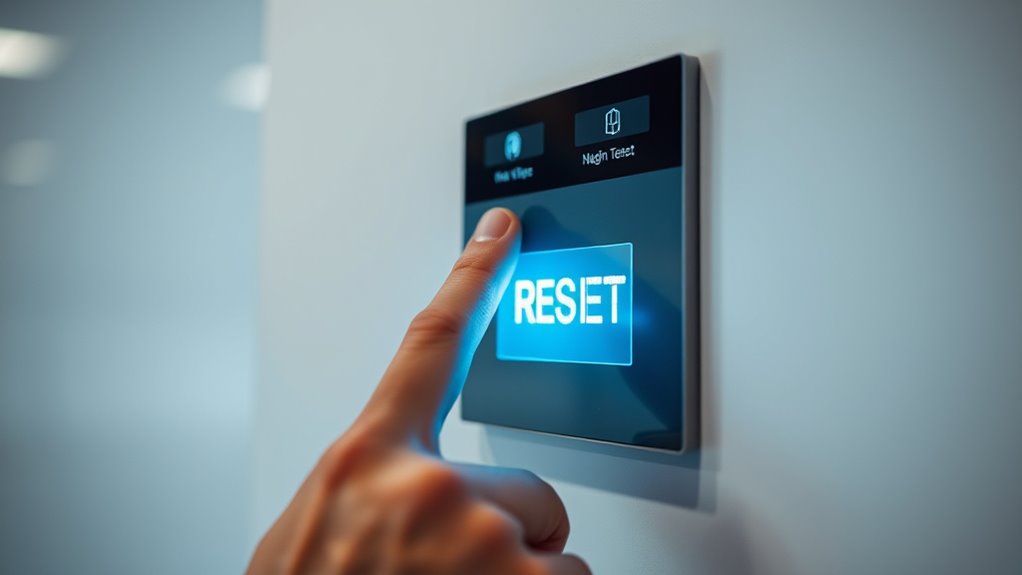

After a power surge, first turn off the main power switch and unplug your device to prevent further damage. Carefully inspect the control panel for visible signs of damage like scorched components or loose wires. Perform a system reset using the reset button or menu, then reconnect and power on the device to test its operation. Remember, following these steps helps guarantee your system is safe and ready to use again—learn more to keep your system protected long-term.
Key Takeaways
- Turn off the main power switch and unplug the device completely before attempting a reset.
- Inspect the control panel for visible damage such as scorch marks or loose wiring.
- Use the designated reset button or menu option to restore factory default settings.
- Power on the system after resetting and verify proper operation and display responses.
- Check and replace damaged components or wiring to prevent future issues before restoring power.
Turning Off Power and Unplugging the Device
Before you begin resetting the control panel, it’s important to guarantee the device is completely powered down. Start by turning off the main power switch. Then, unplug the device from the electrical outlet, ensuring you disconnect it from any surge protectors or power strips. This step prevents accidental shocks and further electrical damage. Check the electrical wiring connected to the device; if it’s connected through a surge protector, unplug that as well. Removing power sources completely ensures no residual current remains, making it safe to proceed. Always verify that the power is off before touching any internal components or inspecting the control panel. Taking these precautions helps protect you and minimizes the risk of electrical hazards during the reset process. Additionally, understanding the importance of electrical safety can help prevent mishaps during maintenance.
Inspecting the Control Panel for Visible Damage
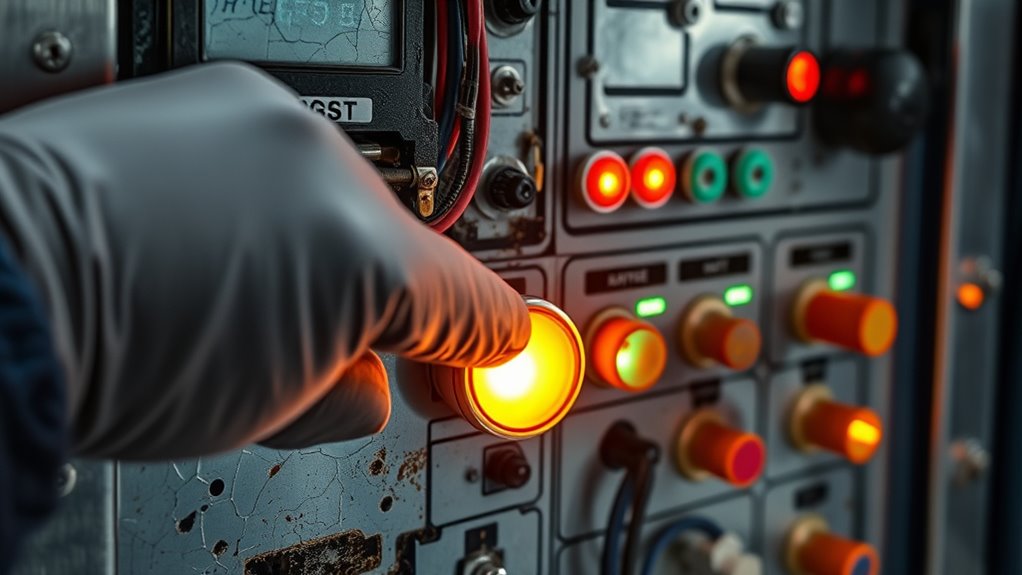
Inspecting the control panel for visible damage is a crucial step before attempting a reset. Carefully examine the panel for signs of burnt components, melted wires, or scorch marks. Check the surge protector installation to verify it’s intact and properly connected, as damage here can cause power issues. Inspect the circuit breakers for any that are tripped or show signs of damage, like cracks or burn marks. Look for loose or frayed wiring that could have been affected by the surge. If you notice any of these issues, don’t attempt to reset the panel until repairs are made. Addressing visible damage early helps prevent further problems and ensures safe operation after a power surge. Always prioritize safety during this inspection. Additionally, understanding Gold IRA safeguards can help protect your investments from unforeseen risks.
Resetting the Control Panel Settings

To reset the control panel settings, start by turning off the power supply to guarantee safety and prevent electrical hazards. Once off, disconnect any connected devices. You may need to perform a firmware reset to clear corrupted data, restoring factory defaults. This process helps with software calibration issues caused by power surges. Use the reset button or access settings through the menu to initiate a reset. Keep in mind, some systems require a specific sequence for a complete reset. Here’s a quick overview:
| Action | Purpose |
|---|---|
| Power off and disconnect | Ensure safety and prevent damage |
| Firmware reset | Clear corrupted data, restore defaults |
| Software calibration | Recalibrate settings after reset |
| Reconnect and test | Confirm system operates correctly |
Additionally, paying attention to headphone compatibility can ensure your device functions properly after the reset. This ensures your control panel is refreshed and ready for proper operation.
Powering On and Testing the System
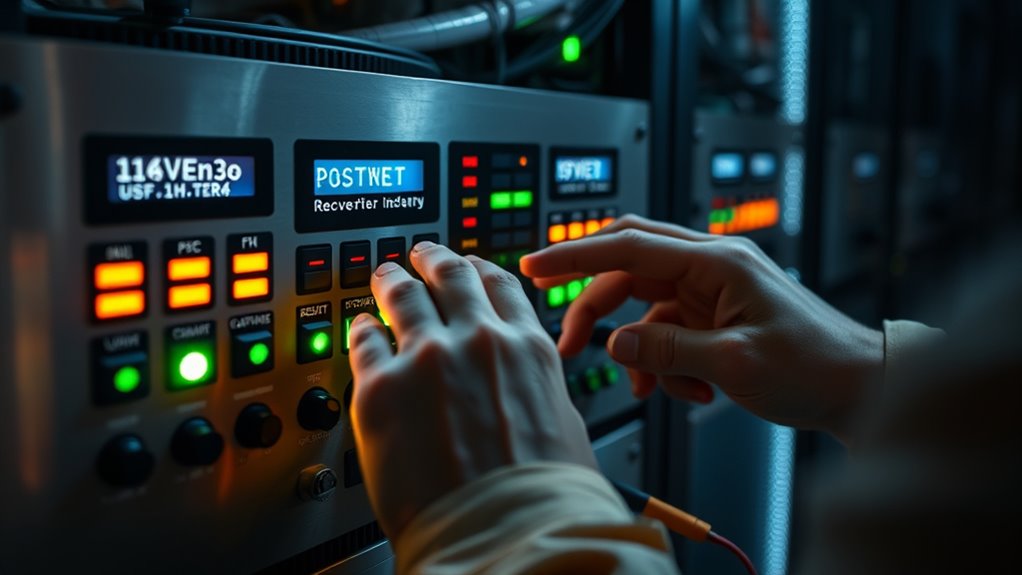
Once you’ve reset the control panel, you can power on the system and begin testing it to guarantee proper operation. Start by ensuring the power source provides stable voltage stabilization, minimizing fluctuations that could harm your system. Use surge protectors to guard against future surges during startup.
A thorough refrigeration cycle check can help identify any operational issues that might not be immediately apparent.
Check for smooth operation with these steps:
- Confirm all displays and indicators turn on correctly
- Listen for unusual noises or beeps
- Verify sensors and input devices respond
- Run basic diagnostics to identify any errors
If issues arise, double-check connections and reset procedures. Proper testing ensures your system functions reliably after a power surge, and using surge protectors helps prevent future damage and minimizes downtime.
Additional Tips for Preventing Future Power Surges
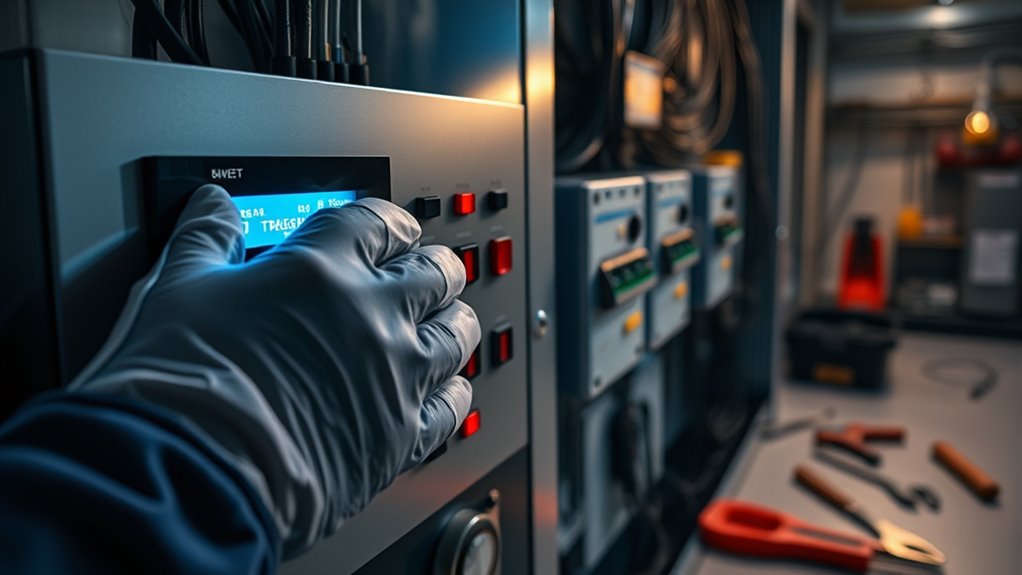
Implementing preventive measures can substantially reduce the risk of future power surges. Start by using surge protectors on sensitive electronics and appliances, which act as a barrier against voltage spikes. Consider upgrading your wiring if your home has outdated or damaged electrical systems, as faulty wiring can increase surge vulnerability. Regularly inspect and maintain your electrical system to identify potential issues before they cause surges. Installing whole-house surge protectors provides an extra layer of defense by protecting your entire electrical system. Avoid overloading circuits and unplug devices during storms or electrical disturbances. Additionally, understanding your home’s personality traits and preferences can help tailor your electrical safety measures to better suit your lifestyle and needs. These steps help safeguard your equipment, minimize damage, and ensure your electrical system remains stable and resilient against future power surges.
Frequently Asked Questions
How Long Should I Wait Before Resetting the Control Panel After a Power Surge?
When considering the power surge and reset timing, you should wait at least 10 to 15 minutes before resetting the control panel. This allows any residual power to dissipate and guarantees internal components are safe. Rushing the reset could cause damage or electrical issues. So, be patient, give your system time to stabilize, and then proceed with the reset to protect your equipment and ensure proper functioning afterward.
Can I Reset the Control Panel if I Notice Unusual System Behavior?
Think of your system as a delicate garden needing careful tending. If you notice unusual behavior, you can try resetting the control panel, but always prioritize electrical safety first. Before troubleshooting steps, guarantee the power is off to avoid shocks. Resetting might clear minor glitches, but if the problem persists, consult a professional. Never force a reset if you’re unsure—safety comes first in troubleshooting.
Are There Specific Safety Precautions to Follow During the Reset Process?
When resetting the control panel, prioritize electrical safety by unplugging devices and avoiding water contact. Guarantee proper grounding before starting, to prevent electric shock. Wear insulated gloves and use tools with insulated handles. Confirm the power is fully off, and never work alone. Following these safety precautions minimizes risks and keeps you safe during the reset process, especially after a power surge.
What Tools or Equipment Are Recommended for Inspecting Internal Components?
Think of your tools as your trusted companions in uncovering hidden issues. For inspecting internal components, you’ll want a multimeter for testing electrical connections and a flashlight for visual inspection. The multimeter acts as your detective, revealing voltage and resistance, while the flashlight illuminates unseen damage or corrosion. Together, these tools help you accurately assess the control panel’s condition before proceeding with any resets or repairs.
How Do I Determine if My Control Panel Needs Professional Repair Instead of Resetting?
You should seek professional repair if you notice diagnostic indicators like persistent error codes, unusual noises, or malfunctioning components after attempting to reset your control panel. If the panel still doesn’t operate correctly or if you see signs of damage such as burnt smells or visible burns, it’s best to guarantee further troubleshooting yourself. A professional can properly diagnose and fix issues to ensure safety and proper functionality.
Conclusion
So, after all that fuss, you’ve reset your control panel and hopefully saved your device. Ironically, the best way to protect it might just be to keep it unplugged during storms—yet here you are, risking it again. Remember, sometimes the simplest solutions come from the most unexpected places. Stay vigilant, and maybe next time, you’ll catch that surge before it catches you off guard. After all, prevention is the real power move.