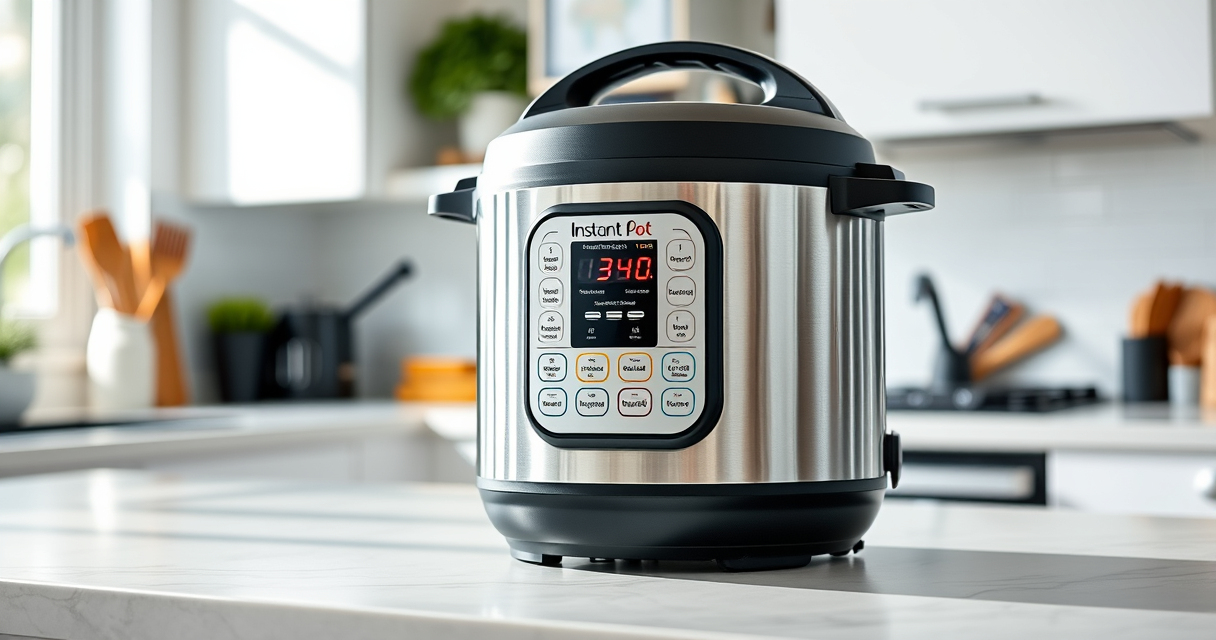

If your Instant Pot 4QT RIO Mini 7-in-1 Multi-Cooker keeps displaying a burn error, don’t worry. This common issue can often be resolved with a few simple steps, ensuring your pressure cooker operates safely and efficiently. Understanding the causes and fixes can save you time and prevent unnecessary replacement.

Get kitchen gear delivered free with Prime
- Fast, free delivery on millions of items
- Prime Video, Amazon Music and more included
- Member-only deals all year
In this guide, we’ll walk through practical troubleshooting methods, safety tips, and maintenance advice to get your Instant Pot back to perfect working condition.
Key Takeaways
| Burn Error Causes | Often due to food sticking, overfilling, or sealing issues. |
| Cleaning Is Key | Regularly clean the sealing ring and inner pot to prevent burn errors. |
| Check the Sealing Ring | A worn or improperly placed ring can cause sealing problems and error messages. |
| Avoid Overfilling | Leave enough space for food and steam to circulate freely. |
| Safe Troubleshooting | Always unplug before inspecting or cleaning parts for safety. |
Step 1: Turn Off and Unplug the Instant Pot
Before troubleshooting, ensure the device is turned off and unplugged to prevent any electrical hazards. Wait for the cooker to cool down completely if recently used.
Step 2: Release Pressure and Open the Lid
- Make sure all pressure is released by turning the steam release handle to ‘venting’ or using the quick-release method.
- Once safe, open the lid carefully.
Step 3: Inspect and Clean the Sealing Ring and Inner Pot
- Remove the sealing ring and check for cracks, tears, or deformation. If damaged, replace it with a compatible ring.
- Wash the sealing ring and inner pot thoroughly with warm, soapy water. Dry completely before reassembly.
Step 4: Check for Food Residue and Proper Placement
Ensure no food debris is stuck on the sealing surface or the bottom of the inner pot. Reposition the sealing ring correctly, making sure it fits snugly in its groove.
Step 5: Avoid Overfilling and Adjust Cooking Settings
Follow the maximum fill lines indicated inside the pot. Use the appropriate cooking settings and avoid forcing the lid or sealing ring into place if it doesn’t fit properly.
The Products in This Guide

Instant Pot 4QT RIO Mini 7-in-1 Multi-Cooker
- ✔ Power: 700W
- ✔ Dimensions: 11.8 x 11.8 x 11.2 inches
- ✔ Warranty: 1-year limited

AOZITA Steamer Basket
- ✔ Capacity: Large & small baskets
- ✔ Handle: Silicone for safety
- ✔ Dishwasher Safe: Yes
Instant Pot 4QT RIO Mini 7-in-1 Multi-Cooker
The Instant Pot 4QT RIO Mini 7-in-1 Multi-Cooker is a versatile and compact appliance that’s perfect for small households. If it displays a burn error, following proper cleaning, sealing, and filling guidelines can restore its functionality safely.
Pros:
- Multiple cooking functions
- Compact and easy to store
- Fast cooking times
- User-friendly status indicator
Cons:
- Burn error can occur if not maintained
- Small capacity limits large meals
- Requires regular cleaning
Best for: Small families, singles, students needing versatile cooking options
Not ideal for: Cooking large quantities or for big families
Bottom line: Routine cleaning and proper use prevent burn errors and prolong your Instant Pot’s lifespan.
AOZITA Steamer Basket
Enhance your Instant Pot with this AOZITA 2-Tier Steamer Basket. It allows you to steam multiple foods simultaneously, making troubleshooting easier by preventing food from sticking and burning.
Pros:
- Two-tier design for versatility
- Stainless steel durability
- Easy to clean
- Fits 6 and 8 qt models
Cons:
- Requires extra space in the pot
- Can be slightly heavy
- Needs careful stacking
Best for: Cooking vegetables, eggs, and seafood simultaneously
Not ideal for: For those with limited kitchen space
Bottom line: A versatile accessory that makes steaming and meal prep more efficient.
Frequently Asked Questions
Why does my Instant Pot keep showing a burn error?
Common causes include food sticking to the bottom, overfilling, improper sealing, or damaged sealing rings. Proper cleaning and correct filling help prevent this.
How can I prevent the burn error from happening again?
Ensure the inner pot is clean, don’t overfill, check the sealing ring for damage, and avoid using thick sauces that can stick to the bottom.
Is it safe to continue using my Instant Pot after a burn error?
Yes, but only after troubleshooting—cleaning and inspecting the sealing ring and inner pot. Do not force the lid or seal if it doesn’t fit properly.
When should I replace the sealing ring?
Replace the sealing ring if it shows cracks, tears, or persistent odors. Regular inspection every few months is recommended.
Keep Your Instant Pot Running Smoothly
By following these troubleshooting steps, you can resolve the burn error on your Instant Pot and continue enjoying hassle-free cooking. Regular maintenance, proper filling, and attentive cleaning are key to preventing future issues. With a little care, your versatile multi-cooker can serve you reliably for years to come.
Affiliate disclosure: As an Amazon Associate we earn from qualifying purchases. Prices and availability are accurate as of the time of publishing.
Halloween Picks
halloween
As an affiliate, we earn on qualifying purchases.