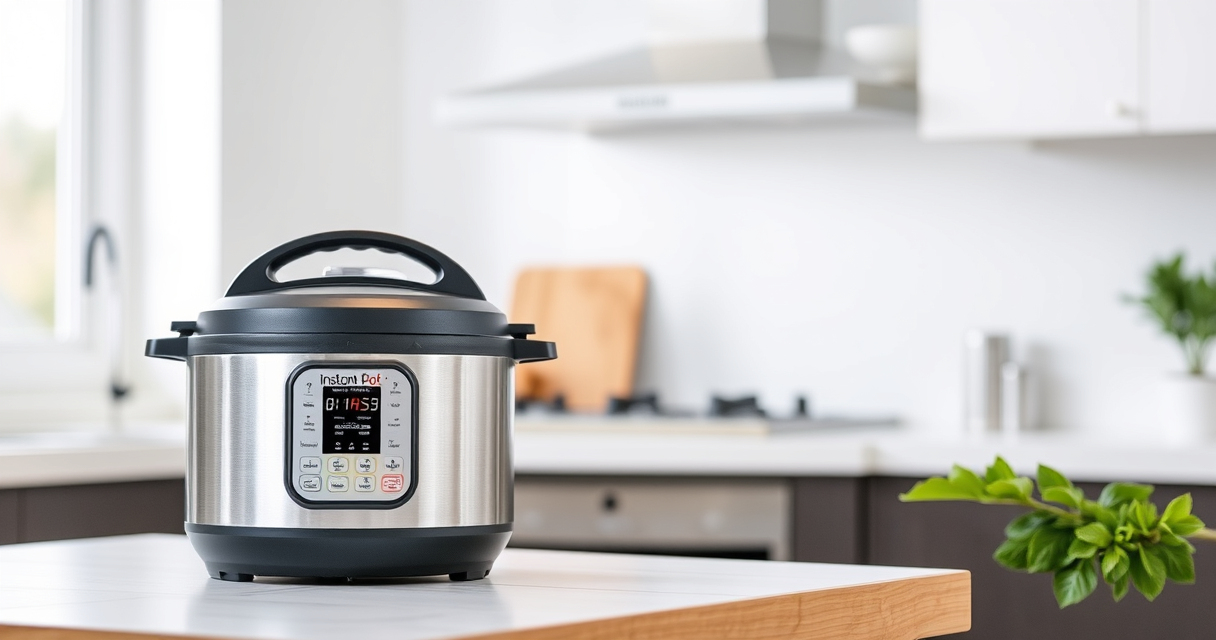

Encountering a burn error on your Instant Pot can be frustrating, but understanding the common causes and how to fix them can save time and prevent damage. This guide provides clear, practical steps to resolve the burn error safely, ensuring your cooking experience remains hassle-free.

Get kitchen gear delivered free with Prime
- Fast, free delivery on millions of items
- Prime Video, Amazon Music and more included
- Member-only deals all year
Whether you’re new to the Instant Pot or experienced, knowing how to troubleshoot this issue will help you get back to enjoying your meals quickly and safely.
Key Takeaways
| Understanding the Burn Error | It occurs when the Instant Pot detects overheating or burning ingredients. |
| Prevention Tips | Use enough liquid, avoid thick sauces, and don’t overfill the pot. |
| Quick Fix Steps | Release pressure, clean the bottom, and check the sealing ring. |
| When to Seek Help | Persistent errors may indicate a faulty seal or sensor issue. |
Step 1: Safely Release Pressure
- Turn off the Instant Pot and unplug it from the power source.
- Allow the pressure to release naturally for 10-15 minutes, or use the quick-release method if safe to do so.
- Carefully open the lid once the float valve drops and the pressure is fully released.
Step 2: Check for Burnt Food Residue
- Inspect the bottom of the inner pot for burnt or stuck food.
- Remove the inner pot and clean thoroughly with warm, soapy water, focusing on the heating element area.
- Ensure no food particles are causing obstruction or uneven heat distribution.
Step 3: Verify the Sealing Ring and Lid
Remove the sealing ring from the lid and check for cracks, warping, or debris. Clean the ring and lid thoroughly, then reassemble.
If the sealing ring is damaged, replace it with an authentic Instant Pot Sealing Ring.
Step 4: Adjust Your Cooking Method
- Add sufficient liquid to prevent burning; a minimum of 1 cup for most recipes.
- Avoid thick sauces or ingredients that can stick to the bottom.
- Do not overfill the inner pot—leave at least 1 inch of space from the top.
Step 5: Restart and Monitor
After cleaning and adjustments, restart your Instant Pot and monitor the cooking process closely.
If the burn error persists, consider testing with a simple recipe or consult customer support for further diagnosis.
The Products in This Guide

Instant Pot 4QT RIO Mini 7-in-1 Multi-Cooker
- ✔ Weight: 8 lbs
- ✔ Dimensions: 10 x 10 x 8 inches
- ✔ Power: 1000W

AOZITA Steamer Basket
- ✔ Size: 6-8 Quart compatible
- ✔ Weight: 1.2 lbs
- ✔ Dishwasher Safe: Yes
Instant Pot 4QT RIO Mini 7-in-1 Multi-Cooker
The Instant Pot 4QT RIO Mini 7-in-1 Multi-Cooker offers versatile cooking functions in a compact design, perfect for small families or singles. Its anti-spin pot stays steady during sautéing, and the 4-quart capacity is ideal for up to 4 servings.
Pros:
- 7-in-1 functionality
- Compact and easy to store
- Sturdy anti-spin design
- Quick cooking speed
Cons:
- Limited capacity for large meals
- Learning curve for new users
- May require replacement seals over time
Best for: Small families, students, singles needing versatile, space-saving cooking
Not ideal for: Cooking large quantities or for big families
Bottom line: A compact, versatile pressure cooker ideal for small-scale meals.
AOZITA Steamer Basket
The AOZITA Steamer Basket offers a practical way to cook multiple foods simultaneously, making your Instant Pot more versatile. Its stainless steel mesh and 2-tier design optimize space and efficiency.
Pros:
- Two-tier stacking
- Made of durable stainless steel
- Easy to clean
- Perfect for steaming multiple ingredients
Cons:
- Adds to cleaning routine
- Requires space in the pot
- May need adjustment for smaller models
Best for: Steaming vegetables, seafood, or preparing multiple dishes at once
Not ideal for: Cooking large quantities of bulky foods
Bottom line: A versatile steamer basket that maximizes your Instant Pot’s utility.
Frequently Asked Questions
Why does my Instant Pot display a burn error?
The burn error occurs when the Instant Pot detects overheating, usually caused by insufficient liquid, food stuck to the bottom, or overfilling.
How can I prevent the burn error?
Ensure adequate liquid, avoid thick sauces that stick, don’t overfill, and stir ingredients before cooking.
Can I continue cooking after a burn error?
It’s best to release pressure safely, clean the pot, and adjust your ingredients before restarting to prevent further errors.
When should I replace the sealing ring?
Replace the sealing ring if it cracks, warps, or retains odors, as a good seal is crucial for safe, proper pressure cooking.
Mastering Your Instant Pot for Smooth Cooking
By understanding the causes of burn errors and following these simple troubleshooting steps, you can keep your Instant Pot running efficiently. Regular maintenance, proper liquid levels, and mindful ingredient placement are key to avoiding issues and enjoying quick, delicious meals every time.
Affiliate disclosure: As an Amazon Associate we earn from qualifying purchases. Prices and availability are accurate as of the time of publishing.
Fall Picks
fall essentials
As an affiliate, we earn on qualifying purchases.