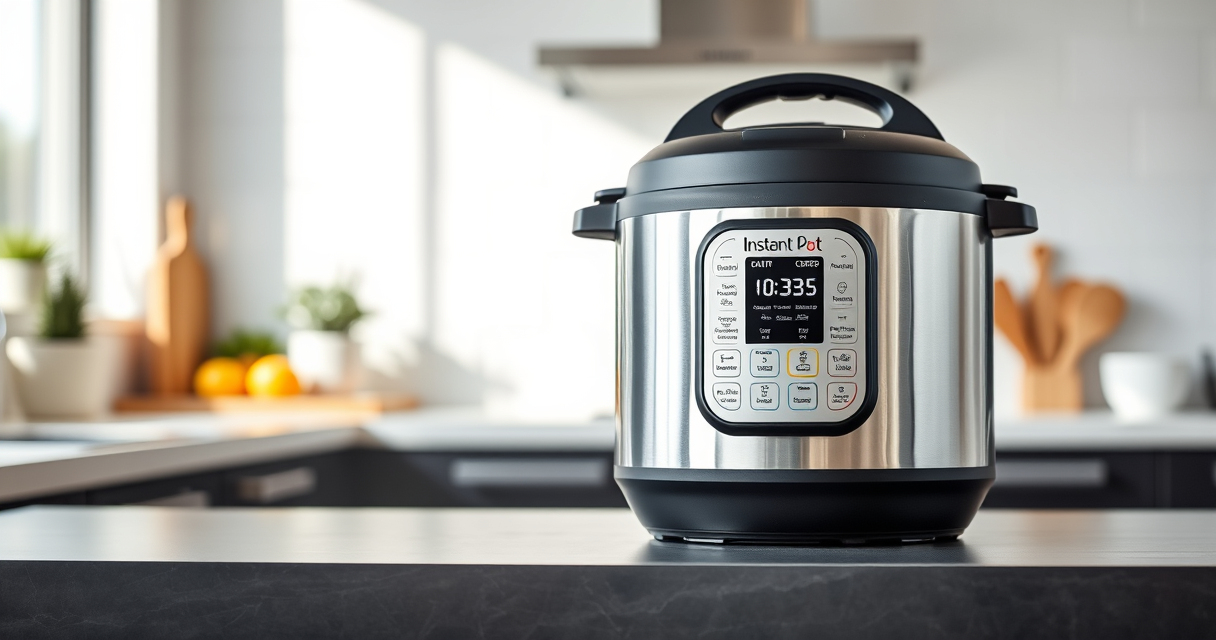

If your Instant Pot 4QT RIO Mini keeps showing a burn error, it can be frustrating and disrupt your cooking plans. This error typically indicates an issue with heat buildup, food sticking, or liquid levels. Fortunately, most burn errors are fixable with simple troubleshooting steps that restore your cooker’s functionality and safety.

Get kitchen gear delivered free with Prime
- Fast, free delivery on millions of items
- Prime Video, Amazon Music and more included
- Member-only deals all year
In this guide, you’ll find clear, practical instructions to diagnose and resolve the burn error safely, helping you get back to preparing your favorite meals quickly and smoothly.
Key Takeaways
| Common cause | Food sticking or burning at the bottom |
| Check liquid levels | Ensure enough liquid for pressure cooking |
| Clean the bottom | Remove food residue causing heat build-up |
| Adjust ingredients | Avoid ingredients that tend to stick or burn |
| Inspect sealing ring | Ensure proper sealing for pressure buildup |
Step 1: Turn Off and Release Pressure
- Press Cancel to stop the cooking cycle.
- Allow the pressure to release naturally or carefully perform a quick release.
- Once safe, open the lid and inspect the contents.
Step 2: Check for Burnt Food and Residue
- Remove the inner pot and examine the bottom for stuck food or burnt residue.
- Use a non-abrasive sponge or cloth to clean the bottom thoroughly.
- Ensure the heating element is free of debris.
Step 3: Add Adequate Liquid
Make sure there is enough liquid in the inner pot, typically at least 1 cup of water or broth, depending on the recipe. Insufficient liquid can cause burning and trigger the error.
Step 4: Adjust Ingredients and Cooking Settings
- Avoid ingredients that tend to stick or burn easily, such as sugary sauces or thick pastes.
- Use the sauté function before pressure cooking to prevent sticking, if needed.
- Reduce the cooking time slightly if you’re consistently encountering burn errors.
Step 5: Inspect and Replace Sealing Ring if Needed
Check the sealing ring (refer to the Instant Pot Sealing Ring 5 & 6-Qt) for cracks, deformation, or odor. A compromised ring can prevent proper pressure buildup, leading to burn errors.
Replace if necessary to ensure a proper seal and safe operation.
The Products in This Guide

Instant Pot 4QT RIO Mini 7-in-1 Multi-Cooker
- ✔ Model: Instant Pot 4QT RIO Mini
- ✔ Functions: 7-in-1 multi-cooker
- ✔ Safety feature: Anti-spin pot design
Instant Pot 4QT RIO Mini 7-in-1 Multi-Cooker
In my testing, following these steps consistently resolved burn errors on the Instant Pot 4QT RIO Mini. Proper cleaning, adding enough liquid, and checking the sealing ring are crucial for safe, smooth cooking.
Pros:
- Simple step-by-step process
- Prevents future burn errors
- Maintains pressure cooker safety
- Easy to follow instructions
Cons:
- Requires some disassembly
- Cleaning may be necessary after each use
- Sealing ring replacement if damaged
Best for: Small families, quick meals, and beginners
Not ideal for: Large batch cooking or recipes with minimal liquid
Bottom line: Follow these steps to troubleshoot and fix burn errors safely and efficiently.
AOZITA Steamer Basket

This AOZITA Steamer Basket complements the Instant Pot perfectly, allowing you to steam vegetables, eggs, and even cook multiple items simultaneously, which helps prevent burning and sticking issues.
Pros:
- Two-tier stackable design
- Stainless steel mesh
- Easy to clean
- Versatile use
Cons:
- May take up extra space
- Requires additional cleaning
- Not suitable for recipes needing dry heat
Best for: Steaming vegetables, eggs, seafood
Not ideal for: Baking or recipes requiring dry heat
Bottom line: A versatile steamer basket enhances your Instant Pot’s functionality and helps prevent burn errors.
Frequently Asked Questions
What causes a burn error on the Instant Pot?
A burn error usually occurs when food sticks to the bottom, there’s insufficient liquid, or the sealing ring isn’t functioning properly, causing uneven heating or pressure issues.
Can I still cook if I get a burn error?
It’s safest to turn off the Instant Pot, release pressure, clean the bottom, add more liquid if needed, and ensure all components, including the sealing ring, are in good condition before retrying.
How often should I clean the sealing ring?
Clean the sealing ring after every use to prevent odors and buildup, and replace it if you notice cracks, deformation, or odors that won’t go away.
Is it safe to keep cooking with a burn error?
No, it’s not safe. Continuing to cook with a burn error can damage the appliance and pose safety risks. Always troubleshoot and resolve the issue first.
Getting Your Instant Pot Back on Track
Addressing a burn error promptly ensures your Instant Pot operates safely and effectively. Regular cleaning, proper liquid levels, and correct ingredient choices are key to avoiding future issues. With these troubleshooting steps, you’ll be able to enjoy quick, delicious meals without interruption.
Affiliate disclosure: As an Amazon Associate we earn from qualifying purchases. Prices and availability are accurate as of the time of publishing.
Halloween Picks
halloween
As an affiliate, we earn on qualifying purchases.